

Four things, and that's genuinely it:
- The CVS Health app
- One ExtraCare account — create or link it, then always use that same one
- A coupon sent to that account before checkout
- Something that's already on sale
Line those up and here's what that actually looks like:
Historical example: Two 34 oz Persil bottles totaled $11.98 in the August 9–15, 2026 example — one sale, one coupon, plus $6 ExtraBucks for later. That offer has expired; use it only to learn the sequence and choose a current CVS deal before shopping.
One distinction is worth nailing down before anything else, because CVS's own app doesn't make it obvious: a coupon and an ExtraBucks Reward are not the same thing. A coupon takes money off what you're paying right now. ExtraBucks show up after you buy something, more like store credit for next time than a discount on this trip. Every ClearCouponing breakdown is built around that difference, so your first transaction won't require sorting out the advanced stuff yet.
Take the easiest ExtraCare path
Everything in this guide runs through one free account, so this is where you start. ExtraCare is CVS's loyalty program — member prices, digital coupons, personalized offers, and ExtraBucks Rewards all live under one membership. You don't need the paid ExtraCare Plus tier for any of this.
Setup is quick:
- Sign in to your CVS.com account in the app, or create one.
- Join free ExtraCare, or link the card you already have. Double-check the phone number on the account — that's how CVS matches you to your deals and personalized offers.
- Open the ExtraCare card and confirm your deals and rewards are showing up under the membership you plan to use.
- Pick your CVS store so the app can show you prices and stock for that location.
Already have a card? Connect it instead of starting a new one — scan the digital card at checkout, or use your phone number.
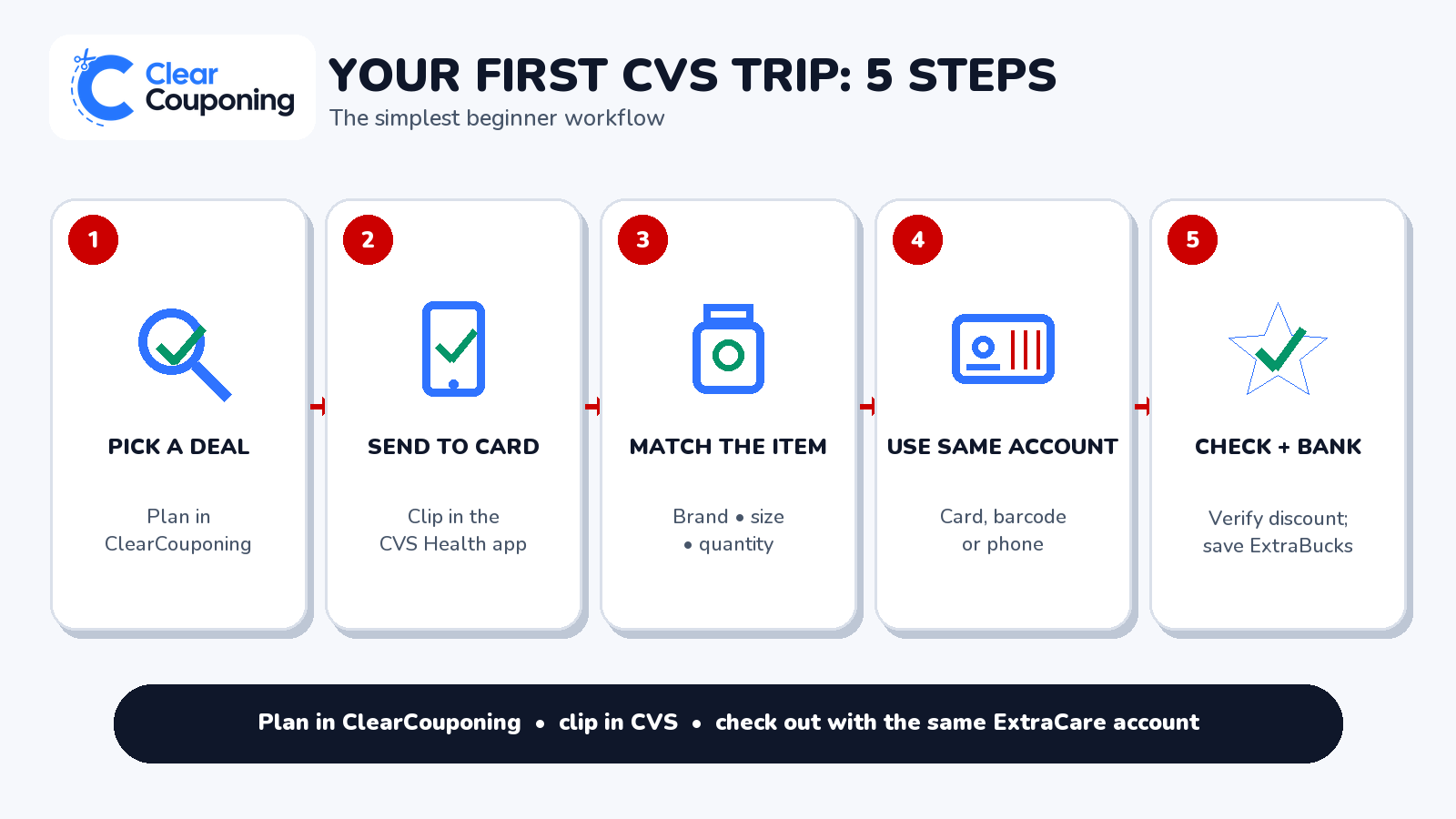
The one rule behind almost every beginner mistake: whatever ExtraCare membership you send a coupon to is the one you need at the register. Scan a different card, or type in a different phone number, and the coupon won't be there — the register just won't recognize it.
Four different things CVS calls “savings”
CVS uses four different words for money-related stuff, and most beginners don't find out they mean different things until something goes wrong at the register. Sale price is just a lower price during the promotion dates — no coupon required, only your ExtraCare account. Digital or manufacturer coupon is a separate discount tied to one specific product, size, and quantity, with its own exclusions, and it has to be sent to your card before you check out — opening it in the app isn't the same as clipping it.
Then there's ExtraBucks Rewards, CVS's own reward currency: not a coupon, earned from qualifying purchases, usually worth something on a future trip rather than this one. And ExtraCare Plus, the paid membership tier — you can ignore it completely for everything in this guide.
The pairing that trips people up most is coupon vs. ExtraBucks, so here's the difference that actually matters:
Coupon | ExtraBucks Reward |
|---|---|
Lowers today's total | Earned for a later purchase |
Has to match the exact item | Has its own expiration and exclusions |
Look for the deduction before you pay | Look for the reward after you qualify |
If you pay $4 today and earn $3 in ExtraBucks, you still paid $4 today. That $3 belongs to your next trip, not this one.
Finding this week's deal for your store
Start with current CVS coupons and deals for the full store hub, or go straight to this week's CVS deals for the current picks. Every breakdown spells out the exact product, size, sale dates, the coupon to use, what you'll pay, and any ExtraBucks you'll earn — so there's no math left for you.
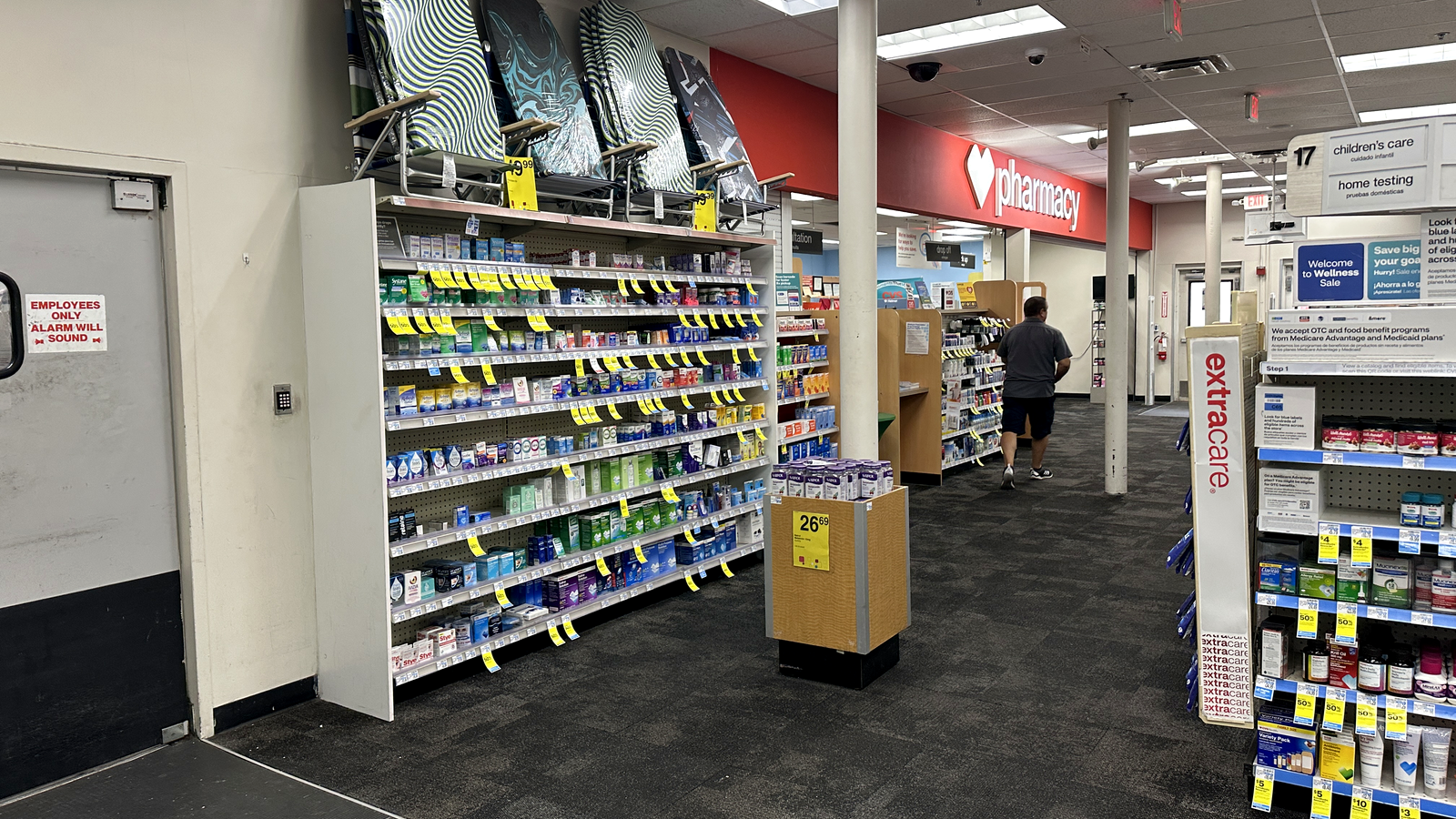
Prices and stock can vary by store, and online pricing doesn't always match the shelf. Whatever store you've selected in the CVS app is the one that actually matters.
Clip it before you're standing in line
Send it before you shop. Open the coupon in the CVS Health app or on CVS.com and tap Send to Card, then wait for the confirmation. This is the step people skip without realizing it: opening a coupon doesn't attach it. If it's not sitting on the ExtraCare account you scan at checkout, it isn't there when the cashier rings you up.
Check it actually matches. Brand, product type, size, quantity, any exclusions — a different scent from the same brand, or one item when the coupon calls for two, is enough to knock it out.
Watch for personalized offers. Some coupons only show up for the specific account CVS sent them to. If a deal calls for one of those and you don't see it in your app, don't force it — pick a different deal that matches something already sitting in your account. More on that in how to use CVS digital coupons.
Buy deals vs. spend deals
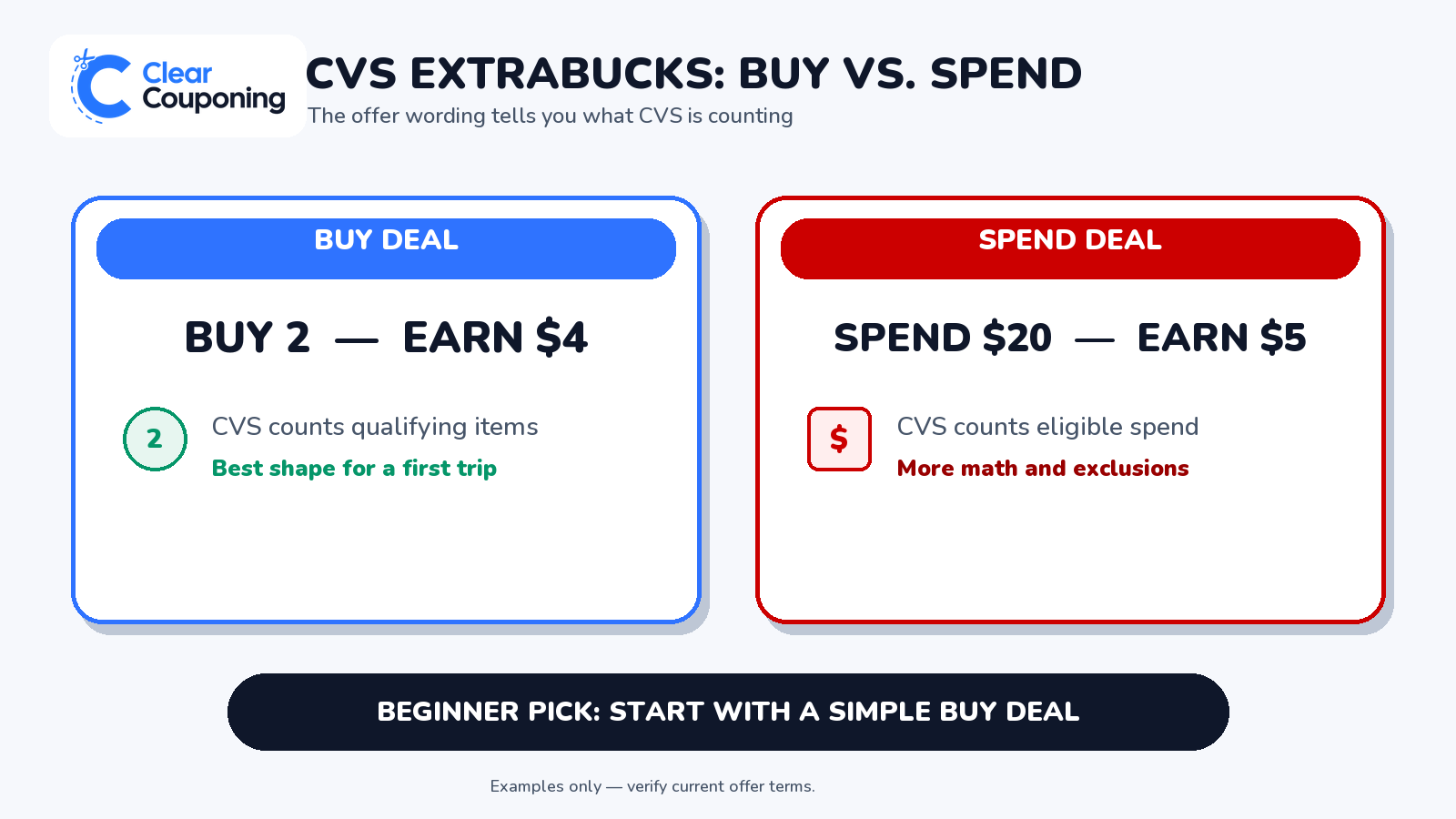
You'll run into two different shapes of ExtraBucks offer — just examples here, not the deal above. Buy 2, earn $4 ExtraBucks is about quantity — buy the right number, get the reward. Spend $20, earn $5 ExtraBucks is about your total — hit the dollar threshold across your whole basket, however you get there.
Spend deals bring in more math than you need right now. Stick to a sale-plus-coupon or simple buy deal. When you're ready to go further, how CVS ExtraBucks work and CVS coupon stacking and policy cover the rest.
CVS couponing for beginners: your first real transaction
Here's the math behind the $11.98 historical example from the start of this guide. It ran during the CVS weekly cycle of August 9–15, 2026 and has expired. Use it to learn the sequence, then choose a current ClearCouponing deal for your own store and account.
The historical deal: Two Persil ProClean Liquid Laundry Detergent bottles, 34 oz, were on sale at $6.99 each. A $2-off-one digital coupon reduced the subtotal to $11.98 before tax, and the qualifying purchase earned $6.00 in ExtraBucks Rewards for a later trip.
That worked out to $11.98 paid that day and about $2.99 per bottle after counting the later reward. The example teaches the difference between what you pay now and a reward earned for a future trip.
The sequence used was:
- Send the matching digital coupon to the correct ExtraCare account.
- Choose the exact qualifying product, size and quantity.
- At checkout, scan that same ExtraCare card, app barcode or linked phone number.
- Confirm the coupon deduction before paying.
- Keep the receipt and confirm the ExtraBucks reward appears after the qualifying purchase.
Do not expect the expired Persil offer or these exact values today. Verify current dates, prices, coupon terms, eligible items and rewards before shopping.
Reading the receipt afterward
Check the total first. Match the receipt against what you expected walking in: two bottles at $6.99 each, the coupon knocks off $2, subtotal lands at $11.98 before tax. Receipts vary by layout — sometimes under the items, sometimes in a savings summary — but the number checks out.
Then look for the reward. The $6 in ExtraBucks is separate from the $11.98 you just paid. It'll show up on the receipt and in your CVS account once the purchase clears. Send it to your card and use it before it expires — worth checking that date as soon as it appears.
If everything matched the plan, that's the whole loop: choose, clip, buy, check, bank the reward.
When something doesn't match at the register
Almost every first-time hiccup traces back to one of five things:
- Wrong account — the coupon landed on a different ExtraCare membership than the card or phone number you used at checkout.
- Unclipped offer — you looked at the coupon but never actually tapped Send to Card.
- Personalized mismatch — the deal needs an account-specific offer that was never issued to you.
- Incorrect product — right brand, wrong size, variety, or quantity.
- Expired coupon or reward — CVS won't honor an expired coupon, and an expired ExtraBucks reward usually can't be brought back, so check dates before you shop.
If something's off, ask a CVS team member for help. For anything beyond that, the official CVS coupon policy has the current rules.
Your next CVS lesson
You've got it. That's genuinely how to coupon at CVS as a beginner: one ExtraCare account, a current deal for your store, the matching coupon sent to your card, the right items in your cart, a total that checks out, and ExtraBucks banked for later. From here, go deeper with how CVS ExtraBucks work, or just pick a fresh beginner deal from this week's CVS deals and run it back.
Pick one current sale-plus-coupon deal and repeat this same sequence. Save rolling, stacking, and spend thresholds for the guides built for that.
Ready to learn another store?
Next Guide: Walgreens Couponing for Beginners
Try another store: Publix | Walgreens | Target | Kroger | Family Dollar | Dollar General
Frequently Asked Questions
ClearCouponing Team
Updated Aug 17, 2026